Sharpen, upscale, and restore photos with precision.
Video Stabilizer Online
Fix shaky, wobbly footage instantly. Our AI stabilizer smooths handheld recordings and removes camera shake—all in your browser.
AI Video Stabilization Features
Intelligent Shake Removal
Our AI analyzes motion patterns and removes unwanted camera shake while preserving intentional movement. Walk-and-talk shots become smooth and professional.
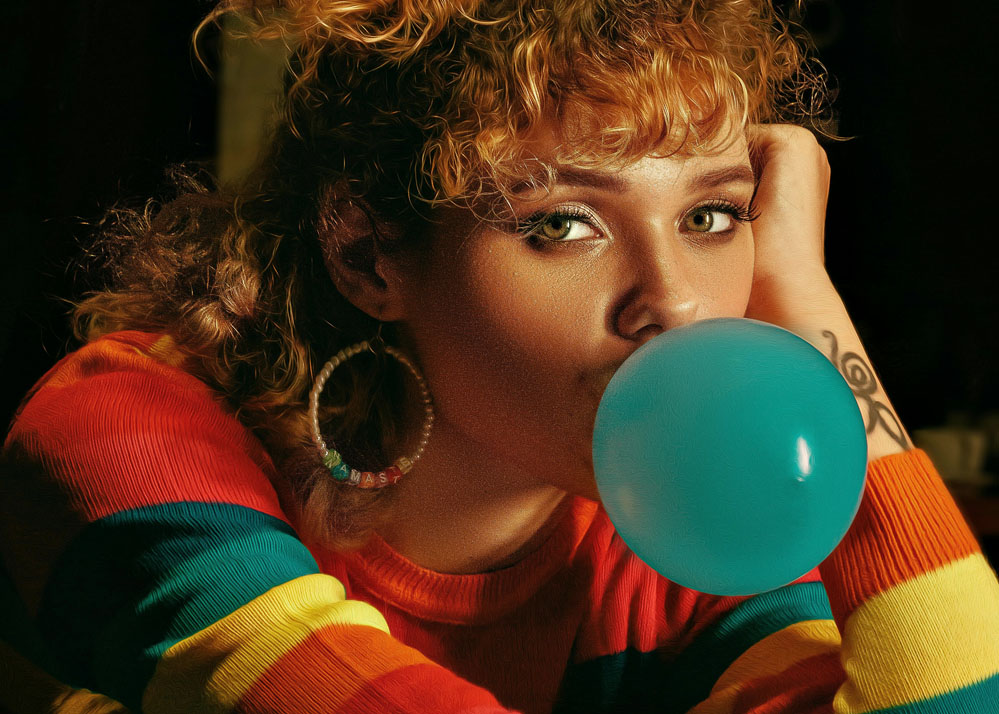
Minimal Cropping
Advanced algorithms minimize the crop needed for stabilization. Keep more of your original frame compared to traditional stabilizers.


Multiple Stabilization Modes
Choose from smooth (gentle correction), locked (tripod-like stability), or adaptive (dynamic adjustment). Match the stabilization to your creative intent.
Motion Blur Reduction
Shake often causes motion blur. Our stabilizer can also sharpen frames affected by camera movement for cleaner results.
When You Need Video Stabilization
Phone Recordings
Transform shaky smartphone videos into smooth, watchable content. Perfect for vloggers, travelers, and anyone filming on the go.
Action Footage
Stabilize sports, adventure, and action camera footage. Get gimbal-like smoothness from handheld or body-mounted cameras.
Professional Cleanup
Fix B-roll with unexpected shake. Rescue otherwise unusable footage when reshoots aren't possible.
How Online Video Stabilization Works
Upload Shaky Video
Upload your wobbly footage—MP4, MOV, or any common format. Our system accepts files from phones, action cams, and DSLRs.
AI Analyzes Motion
Our algorithms track motion across frames, separating intentional camera moves from unwanted shake. Choose your stabilization strength.
Download Smooth Video
Preview the stabilized result. Download your professionally smooth footage when you're happy with the improvement.
Frequently Asked Questions
How much shake can be fixed?
Our AI can handle moderate to significant shake—typical handheld wobble, walking shots, and accidental bumps. Extreme shake may require aggressive cropping.
Will stabilization crop my video?
Some cropping is needed to stabilize footage—the algorithm needs room to shift frames. Our AI minimizes this, typically 5-15% depending on shake severity.
Can I stabilize and enhance quality together?
Yes! After stabilization, you can use our video enhancer to upscale, denoise, or sharpen. Many users combine both for maximum quality improvement.
Does it work on action camera footage?
Absolutely. GoPro, DJI, and other action cam footage often benefits greatly from AI stabilization. Wide-angle distortion is handled automatically.
How long does stabilization take?
Typically 3-10 minutes for most videos. Motion analysis is computationally intensive, but our cloud servers handle it quickly.
Can I keep intentional camera movement?
Yes. Our adaptive mode preserves intentional pans and tilts while removing shake. You can also adjust stabilization strength to taste.