Sharpen, upscale, and restore photos with precision.
Upscale Video
Use AI to upscale video resolution and clarity in minutes. Sharpen details and reduce noise for a crisp, high‑resolution result.
Upscale Video for Sharper, Higher‑Resolution Results
AI denoising
Remove compression artifacts and grain before upscaling. Our AI intelligently cleans your footage to ensure the best possible upscaling results.
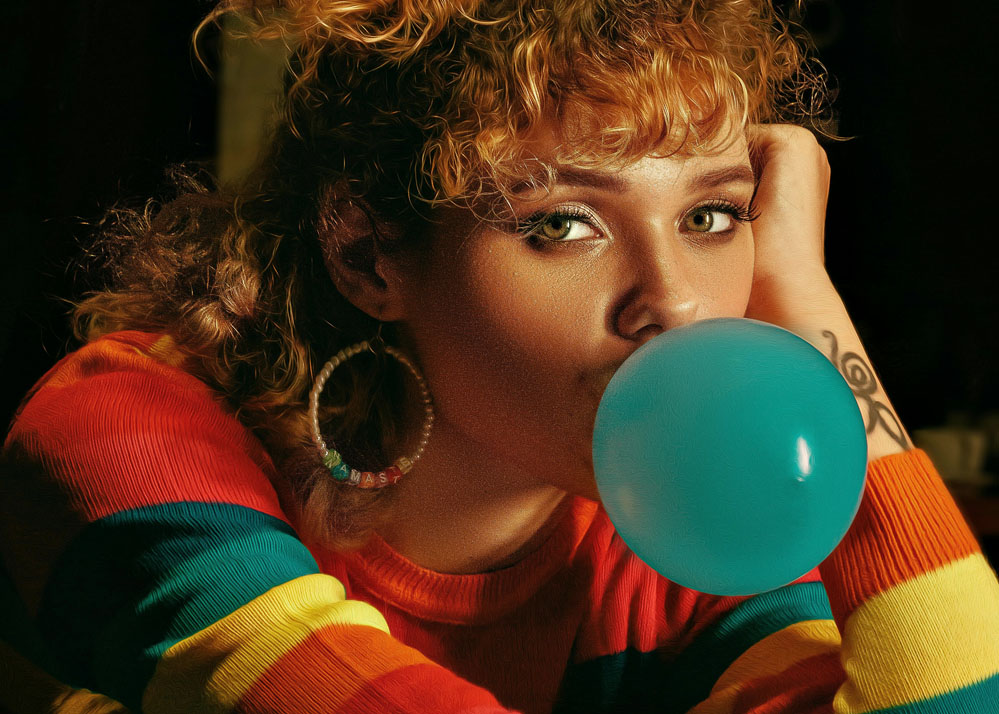
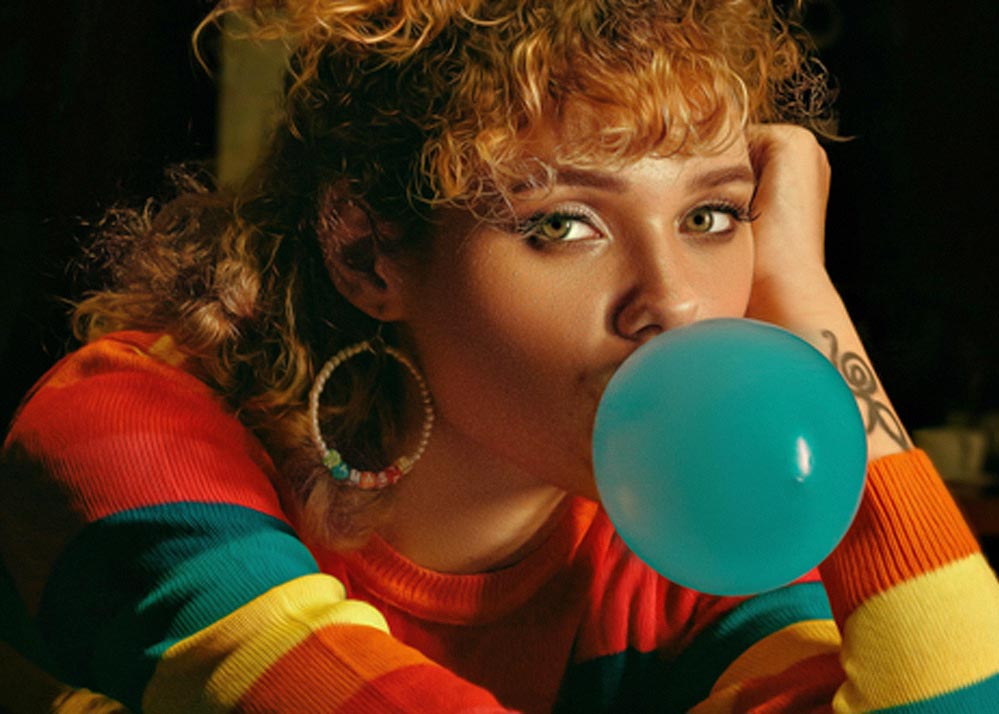
Color optimization
Automatic tone and contrast tuning for a balanced image. Achieve professional-grade results without manual color correction.


Resolution boost
Scale up to 1080p or 4K while preserving natural textures. Advanced neural networks reconstruct missing pixels for stunning detail.
Smart detail preservation
Maintain natural look while enhancing clarity. Our AI understands textures and edges to avoid over-processing artifacts.
Who Needs Video Upscaling?
Content Creators
Transform low-resolution recordings into high-quality content. Perfect for YouTubers and streamers who need crisp 1080p or 4K output from older footage.
Video Archivists
Restore vintage footage to modern standards. Upscale old family videos, historical recordings, and archival content to HD or 4K resolution.
Professional Editors
Enhance project footage without losing quality. Upscale source material to match your final output resolution while maintaining natural textures.
How to Upscale Video with AI
Upload a video
Drag & drop your file—no installs required. Supports MP4, MOV, AVI and most common formats.
Choose upscaling options
Select target resolution and sharpening. Preview instantly to see exactly how your upscaled video will look.
Download your upscaled video
Export the final result at full quality. Get your high-resolution video ready in minutes.
Frequently Asked Questions
What resolutions can I upscale to?
720p, 1080p, and 4K, depending on your needs. Our AI video upscaler can handle all these resolutions with smart detail preservation. The AI analyzes your source material to determine the best upscaling approach.
Does upscaling remove noise?
Yes. The AI denoiser cleans up noise before upscaling, ensuring cleaner results. For best results, you can also improve video quality with our comprehensive enhancement suite that includes advanced denoising.
Can it also sharpen the video?
Yes! You can sharpen video details while upscaling, or use our dedicated sharpening tool for more control over the sharpening process. The AI intelligently enhances edges without creating artifacts.
Will upscaling make my video look artificial?
No. Our AI uses advanced neural networks trained to preserve natural textures and avoid the "waxy" or artificial look common in other upscaling tools. The result looks natural and professional.
How long does upscaling take?
Processing time depends on video length and target resolution. Most videos are ready in minutes. You'll receive a notification when your upscaled video is complete.
Can I upscale old or damaged footage?
Yes! Our AI excels at restoring and upscaling old footage. The system first cleans noise and artifacts, then intelligently upscales while preserving the original character of your content.