Sharpen, upscale, and restore photos with precision.
AI Video Upscaler
Our AI video upscaler boosts resolution, removes noise, and enhances details for a crisp, polished look.
AI Video Upscaler for Clean, High‑Res Footage
Denoise first
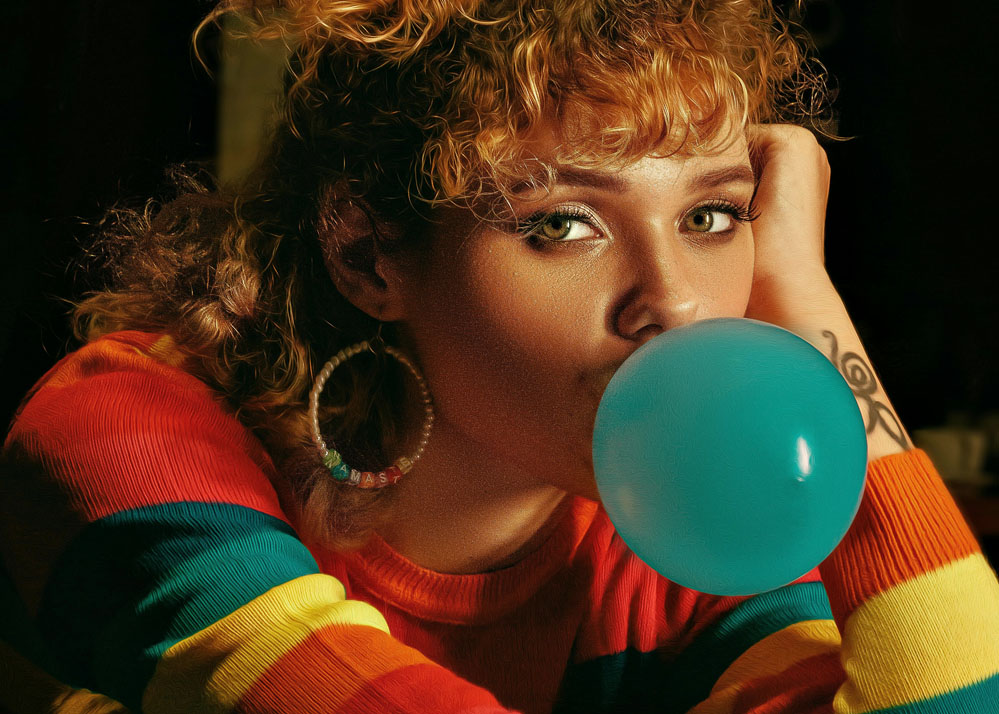
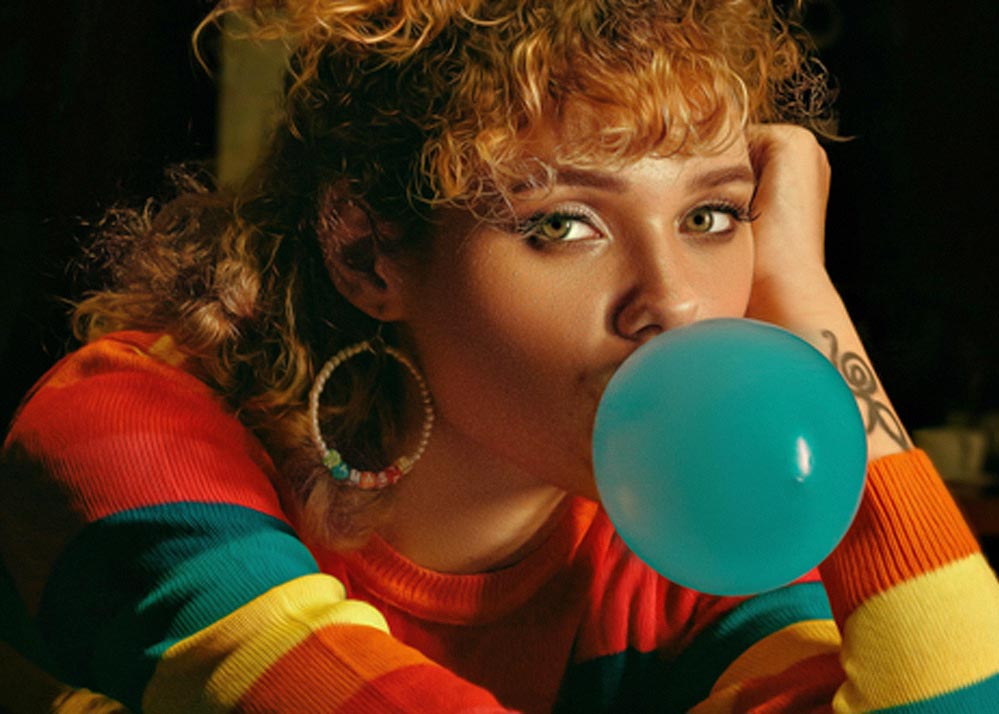
Clean artifacts and grain before increasing resolution. Our AI intelligently removes noise to ensure the best upscaling foundation.
Natural colors
Automatic color balance and contrast. Achieve professional-grade color correction without manual adjustments.


Detail preservation
Enhance edges and textures while avoiding over‑sharpening. Advanced algorithms maintain natural look while boosting clarity.
Multi-resolution support
Upscale to 720p, 1080p, or 4K with intelligent detail reconstruction. The AI adapts to your source material for optimal results.
Who Uses AI Video Upscaling?
Filmmakers
Enhance production footage to match modern standards. Upscale source material to 4K for theatrical releases or streaming platforms.
Content Creators
Transform low-res recordings into high-quality content. Perfect for creators who need to upscale older footage or improve mobile recordings.
Video Restoration Specialists
Restore and upscale archival content. Bring vintage footage to modern resolution standards while preserving historical authenticity.
How the AI Video Upscaler Works
Upload a video
Drag & drop or paste a link. No software installation required—works entirely in your browser.
Choose upscale target
Pick 720p, 1080p, or 4K with optional sharpening. Preview changes instantly to see the results.
Download your result
Export the upscaled video at full quality. Get professional results in minutes, not hours.
Frequently Asked Questions
What does the AI improve?
Clarity, detail, color balance, and compression artifacts. Our AI video upscaler handles multiple quality issues simultaneously. If you want to focus specifically on resolution, check out our video resolution enhancer tool for targeted improvements.
Can I preview before paying?
Yes. Preview changes instantly and pay for the full version. You can also enhance video quality free to test all features with instant previews before purchasing.
Does it work for online video enhancement?
Yes! You can increase video quality online directly in your browser without any software installation. The entire process happens in the cloud for fast, reliable results.
How accurate is the upscaling?
Our AI uses state-of-the-art neural networks trained on millions of videos. It accurately reconstructs missing pixels while preserving natural textures and avoiding artificial-looking results.
Can I upscale very old footage?
Yes! Our AI excels at restoring and upscaling old footage. The system first cleans noise and artifacts, then intelligently upscales while maintaining the original character of vintage content.
What video formats are supported?
We support MP4, MOV, AVI, and most common video formats. Upload directly from your device or paste a link from cloud storage for seamless processing.