Sharpen, upscale, and restore photos with precision.
Video Colorizer
Bring black and white footage to life with AI colorization. Add realistic, historically accurate color to old family films, archival recordings, and vintage video.
AI Video Colorization
Realistic Color Restoration
AI analyzes scene content, lighting, and context to apply natural-looking color—not flat tints, but nuanced tones that respect the original footage.
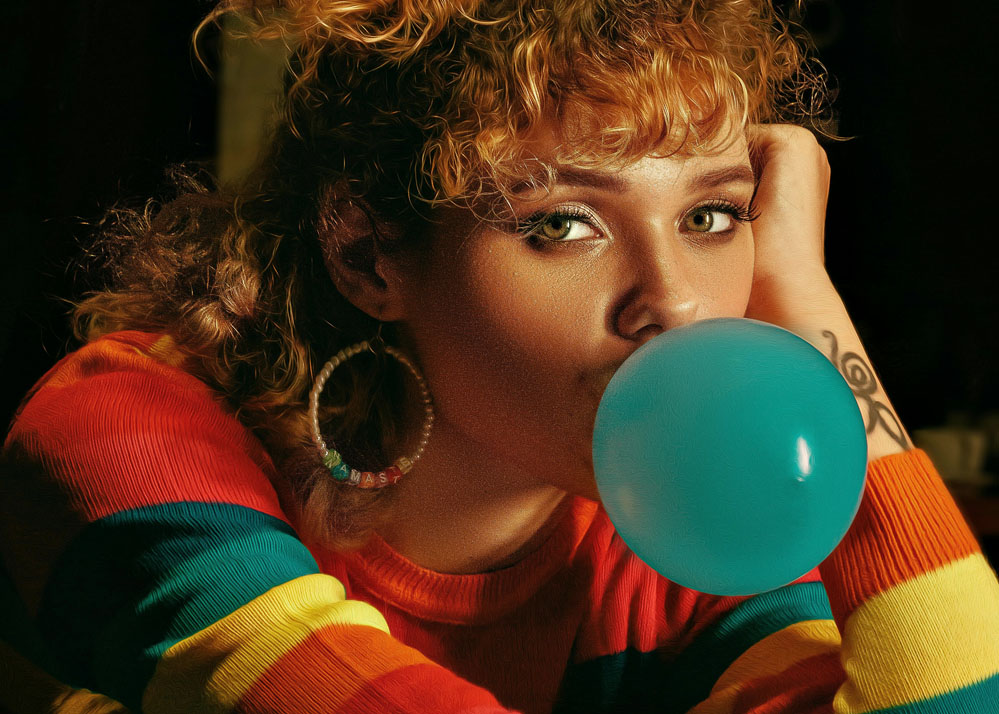
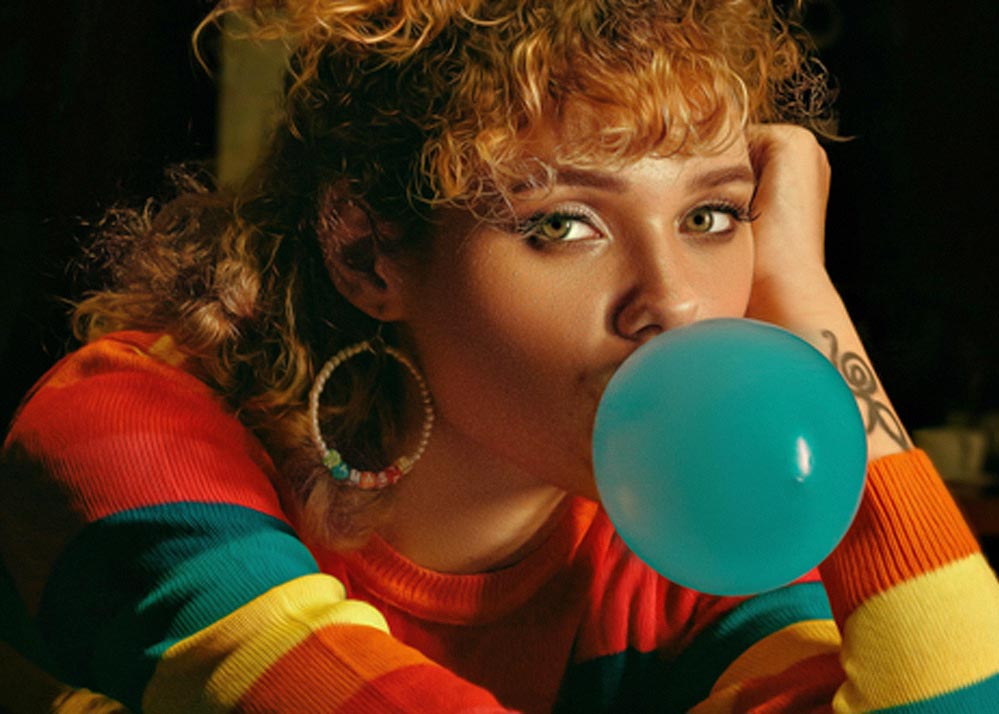
Skin Tone Accuracy
Specialized algorithms handle faces and skin tones carefully, avoiding the unnatural pink or orange casts common in basic colorization tools.
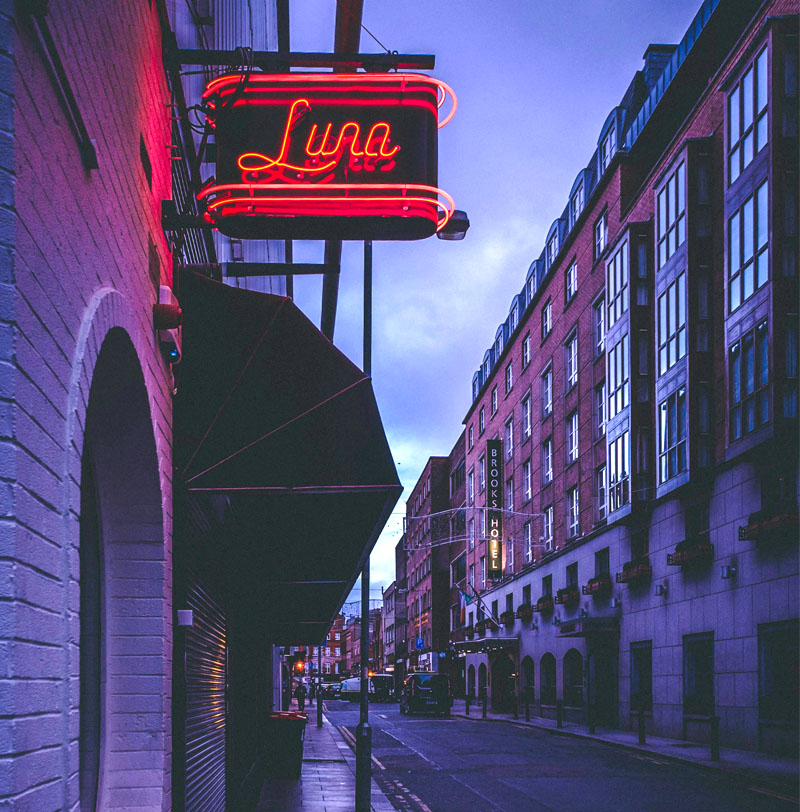
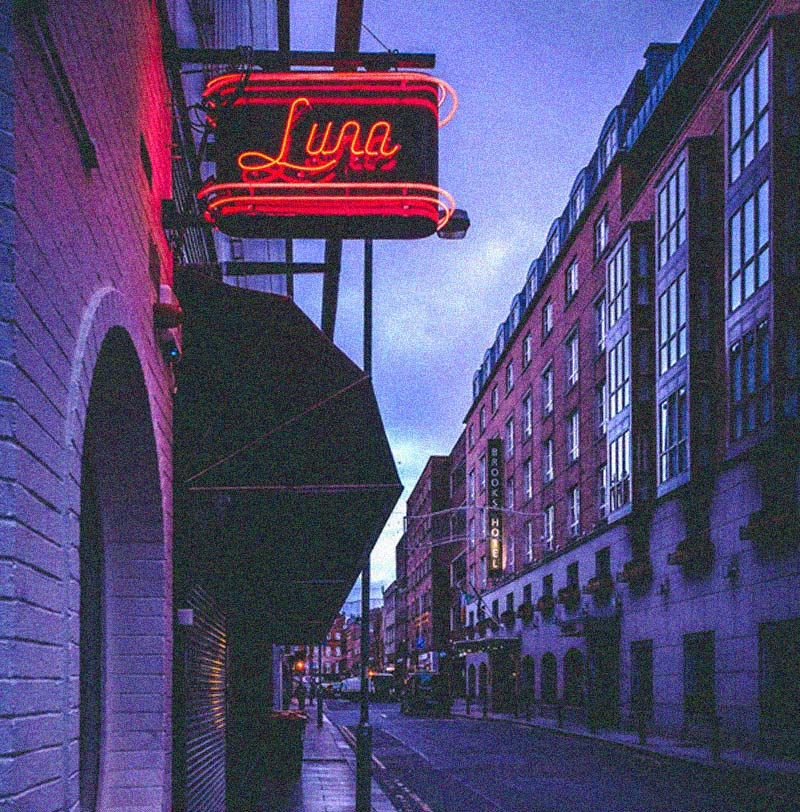
Temporal Consistency
Colors stay stable across frames. No flickering or shifting hues between shots—essential for smooth, watchable colorized video.
Combine With Restoration
Pair colorization with denoising, upscaling, and sharpening for a complete old-footage restoration workflow.
Who Needs a Video Colorizer?
Family History & Genealogy
Transform black and white home movies into vivid color. See grandparents, childhood memories, and family events in a new light.
Archivists & Historians
Colorize historical footage for documentaries, museums, and educational content while preserving the authenticity of the original recording.
Content Creators & Filmmakers
Add color to vintage B-roll, retro aesthetics, or artistic black and white footage for unique visual storytelling.
How to Colorize a Video
Upload Black & White Footage
Upload your monochrome video in MP4, MOV, or other formats. Works with old film transfers, digitized tapes, and modern B&W recordings.
AI Adds Color
Neural networks analyze each frame and apply contextually appropriate colors with temporal consistency across the entire clip.
Download Colorized Video
Preview the colorization side by side with the original. Download your colorized footage when satisfied.
Frequently Asked Questions
How accurate is AI video colorization?
AI produces realistic, contextually appropriate colors based on scene content. It's not historically exact—colors are AI-generated interpretations—but results are natural and emotionally compelling.
Does it work on old film and VHS transfers?
Yes. Colorization works on any black and white or desaturated footage, including digitized film, VHS tapes, and archival recordings. For best results, denoise and upscale first.
Will colors flicker between frames?
No. Our temporal consistency algorithms keep colors stable across frames for smooth, watchable results.
Can I colorize only part of a video?
Currently, colorization applies to the entire clip. For mixed B&W and color footage, edit the sections separately before uploading.
What about faded color footage?
For footage that already has color but is faded or washed out, use our AI video enhancer for color correction and restoration instead.
Can I combine colorization with other restoration?
Yes. We recommend denoising and upscaling as part of a full restoration workflow. See our VHS restoration and deinterlace pages for the complete pipeline.