Sharpen, upscale, and restore photos with precision.
Upscale Video Online Free
Increase your video resolution instantly with our free AI upscaler. Transform low-res footage to HD or 4K right in your browser.
Free AI Video Upscaling Features
True AI Upscaling
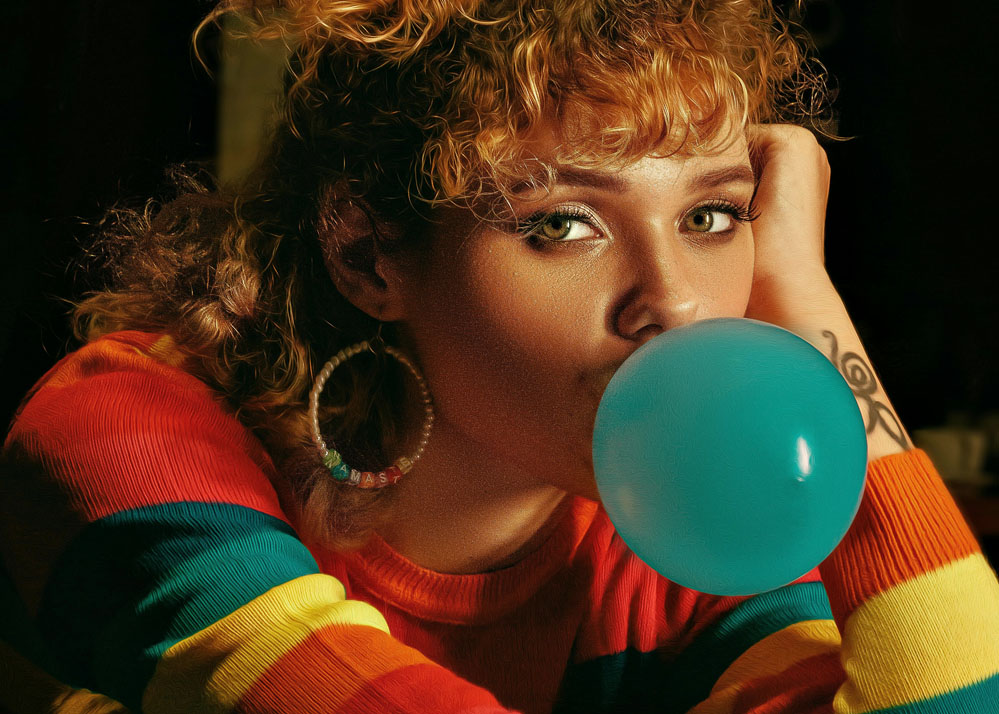
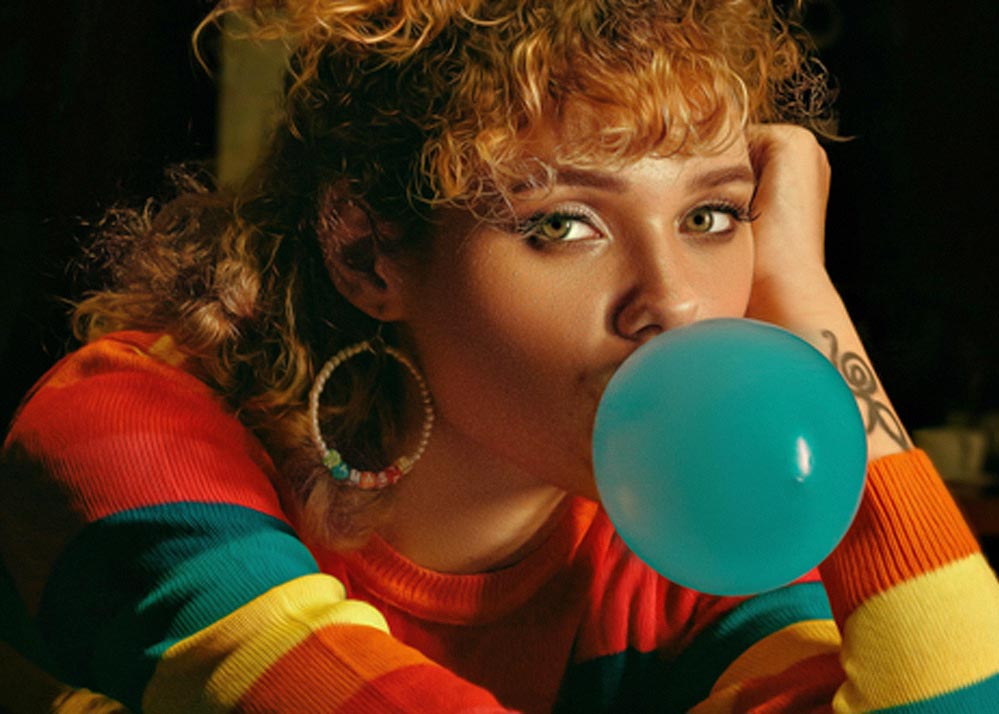
Unlike simple stretching, our AI reconstructs missing pixels using neural networks trained on millions of videos. Get genuine detail enhancement, not just bigger blurry images.
Preserve Natural Quality
Our algorithms avoid the "waxy" look common in other upscalers. Textures stay natural, faces remain realistic, and motion stays smooth.
Up to 4K Output
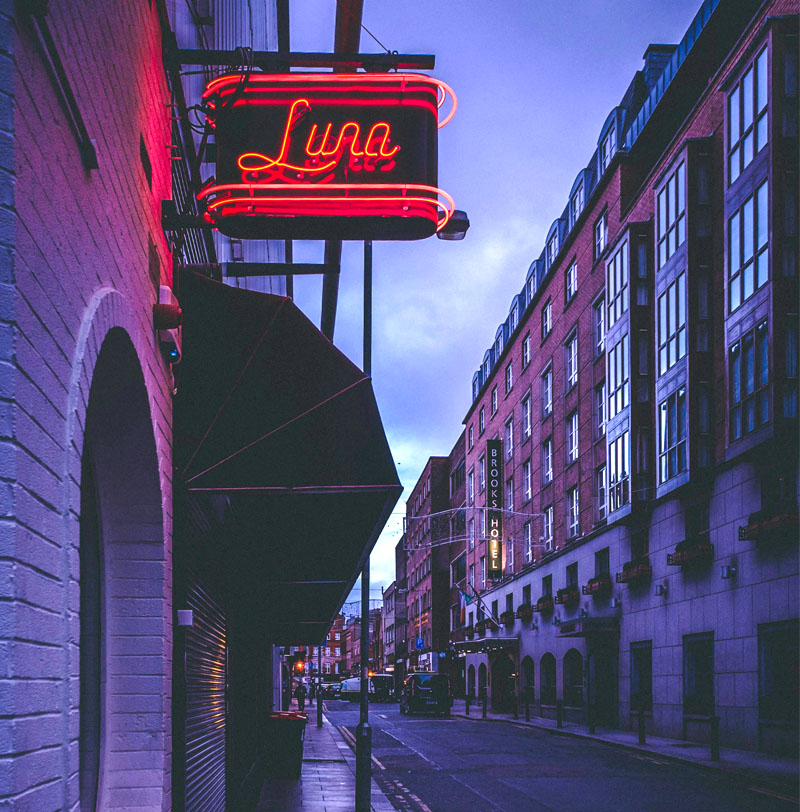
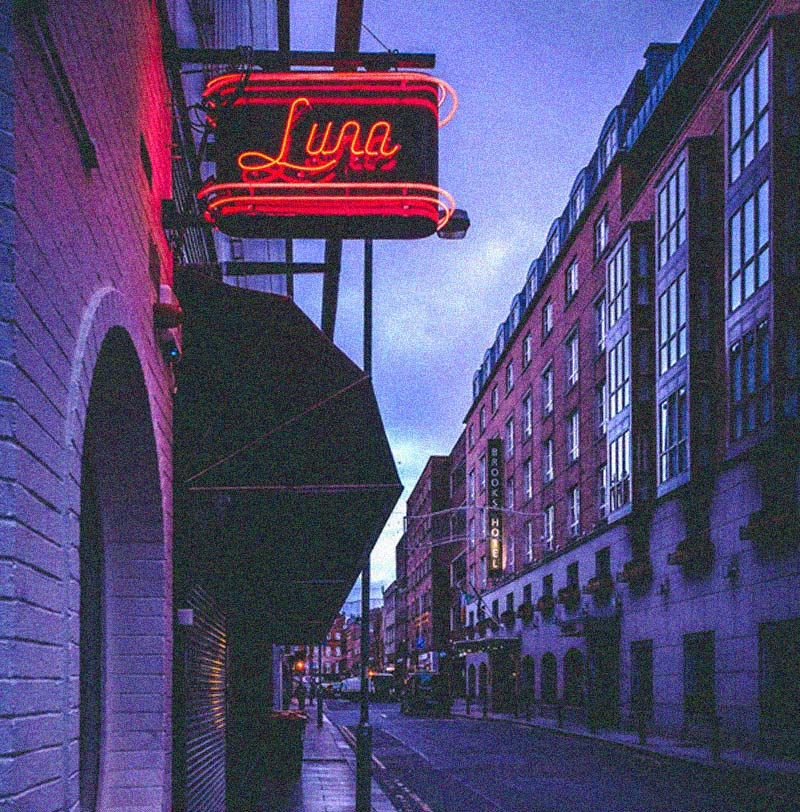
Upscale from 480p to 1080p, 720p to 4K, or anywhere in between. Choose your target resolution and let AI handle the rest.
Fast Cloud Processing
No GPU required on your computer—our cloud servers handle the heavy lifting. Upload, upscale, and download in minutes.
Who Needs Free Video Upscaling?
YouTube Creators
Upscale old 720p videos to 1080p or 4K for better YouTube search rankings and viewer experience. Higher resolution videos get more visibility.
Archive Restorers
Bring old SD footage into the HD era. Upscale family videos, historical recordings, and archived content to modern standards.
Mobile Filmmakers
Shot video on an older phone? Upscale it to match your current 4K workflow and maintain consistency across your project.
How Free Video Upscaling Works
Upload Low-Res Video
Upload your video file—we accept MP4, MOV, AVI, and more. No size limits for preview mode.
Select Target Resolution
Choose HD (1080p) or 4K output. Our AI will intelligently upscale while adding realistic detail.
Preview & Download
Preview the upscaled result for free. Download full quality when you're happy with the improvement.
Frequently Asked Questions
Can I really upscale videos for free?
Yes! Preview mode is completely free. You can see exactly how your upscaled video will look before paying for the full quality download.
What resolutions can I upscale to?
We support upscaling up to 4K (2160p). Common paths include 480p→1080p, 720p→1080p, 1080p→4K, and custom resolutions.
Will upscaling make my video look fake?
No. Our AI is trained to preserve natural textures and avoid the artificial "plasticky" look. Results look like genuinely higher resolution footage.
How is this different from YouTube's upscaling?
Platforms like YouTube stretch pixels. Our AI actually reconstructs missing detail using neural networks, creating genuine resolution improvement.
What happens to the original file?
Your original stays untouched. We create a new upscaled copy, so you always keep your source file safe.
How long does upscaling take?
Typically 3-15 minutes depending on video length and target resolution. 4K upscaling takes longer than 1080p due to more pixels to generate.