Sharpen, upscale, and restore photos with precision.
Unblur Video Online
Fix blurry footage with AI deblurring. Restore sharpness to soft, out-of-focus, or motion-blurred videos—right in your browser.
AI Video Deblurring Features
Smart Deblur Technology
Our neural networks analyze blur patterns and reconstruct lost detail. Unlike basic sharpen filters, AI deblurring recovers real information from your footage.
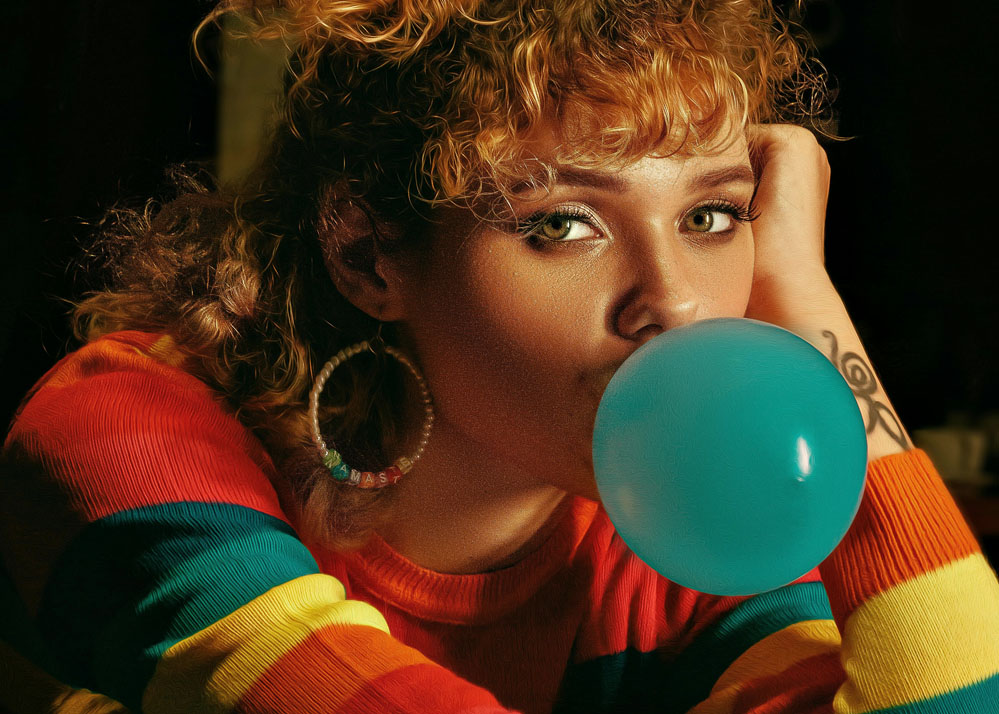
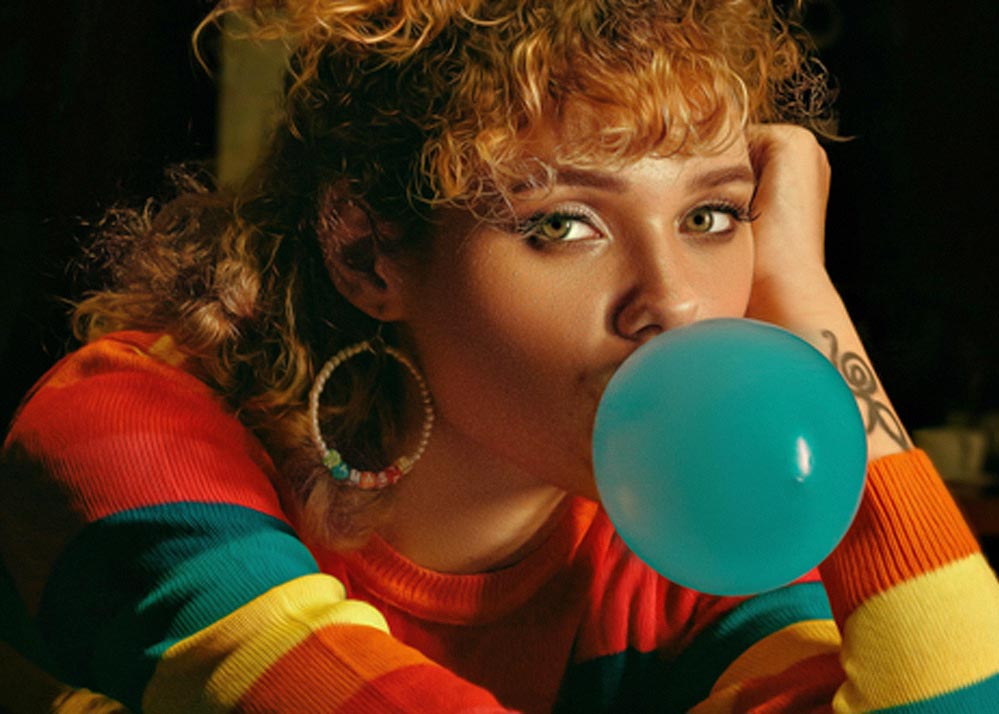
Focus Recovery
Missed autofocus or soft focus ruining your shot? Recover edge definition and detail from moderately out-of-focus recordings.


Motion Blur Correction
Camera shake or fast movement causing blur? AI detects motion patterns and restores sharpness to affected frames without unnatural artifacts.
Upscale While You Unblur
Combine deblurring with AI upscaling for maximum clarity. Sharpen first, then upscale to 4K for the best possible result.
When You Need to Unblur Video
Rescue Important Footage
Wedding clips, travel memories, or once-in-a-lifetime moments that came out blurry—don't delete them. AI can often recover usable clarity.
Fix Filming Mistakes
Autofocus missed, camera moved, or focus was slightly off? Unblur your video and salvage footage you thought was unusable.
Improve Social Media Content
Blurry Reels, TikToks, or YouTube clips? Sharpen them before posting to stand out with crisp, professional-looking video.
How to Unblur a Video
Upload Your Blurry Video
Drag and drop your soft or blurry clip. We support MP4, MOV, AVI, and most common formats from phones, cameras, and screen recordings.
AI Deblurs & Sharpens
Neural networks identify the blur type—focus, motion, or compression—and apply the right restoration algorithms automatically.
Download Clear Video
Preview the improvement side by side. Download your unblurred video when you're happy with the results.
Frequently Asked Questions
Can AI really unblur a video?
Yes, for moderate blur. AI significantly improves soft focus, light motion blur, and compression softness. Extremely blurred footage will improve but may not become perfectly sharp.
What types of blur can you fix?
Focus blur (soft/missed autofocus), motion blur (camera shake/movement), and compression blur (quality loss from encoding). Each has optimized AI algorithms.
Is unblurring the same as sharpening?
Deblurring goes deeper than sharpening—it reconstructs lost detail rather than just enhancing edges. For best results, we recommend deblurring before upscaling.
Can I unblur and upscale together?
Yes. Deblur first, then upscale to 4K for maximum quality. See our AI video upscaler for combined resolution and clarity enhancement.
Will unblurring make my video look artificial?
No. Our AI maintains natural textures while improving clarity. Results look genuinely sharper, not over-processed or crunchy.
How blurry is too blurry?
If you can still make out subjects and shapes, AI can usually help. Completely out-of-focus footage has limits—we can improve it but not fully restore.