Best AI Tools to Fix Low-Quality Video, Audio and Images

TL;DR
- Low-quality media does not always need to be re-recorded or replaced.
- AI tools can often improve blurry video, noisy audio, soft thumbnails, compressed images, old footage, and rough recordings enough to make them usable.
- For video, use VideoQualityEnhancer.com.
- For voice recordings, use AudioEnhancer.com.
- For blurry images, thumbnails, screenshots, and photos, use PhotoSharpener.com.
Low-quality media usually falls into one of three categories:
- the video looks soft, compressed, or low-resolution
- the audio is noisy, echoey, muffled, or uneven
- the image is blurry, pixelated, or too small to use properly
These problems are common in content production. A good recording can be affected by a bad microphone, a weak export setting, compression from social platforms, poor lighting, old source files, or assets sent in the wrong resolution.
AI tools are useful when the file is not perfect, but still contains enough information to improve. They will not recover everything, but they can often make rough media usable enough for publishing, repurposing, marketing, or archiving.
Below are three tools for fixing the most common types of low-quality media.
1. VideoQualityEnhancer.com — Fix Low-Quality Video
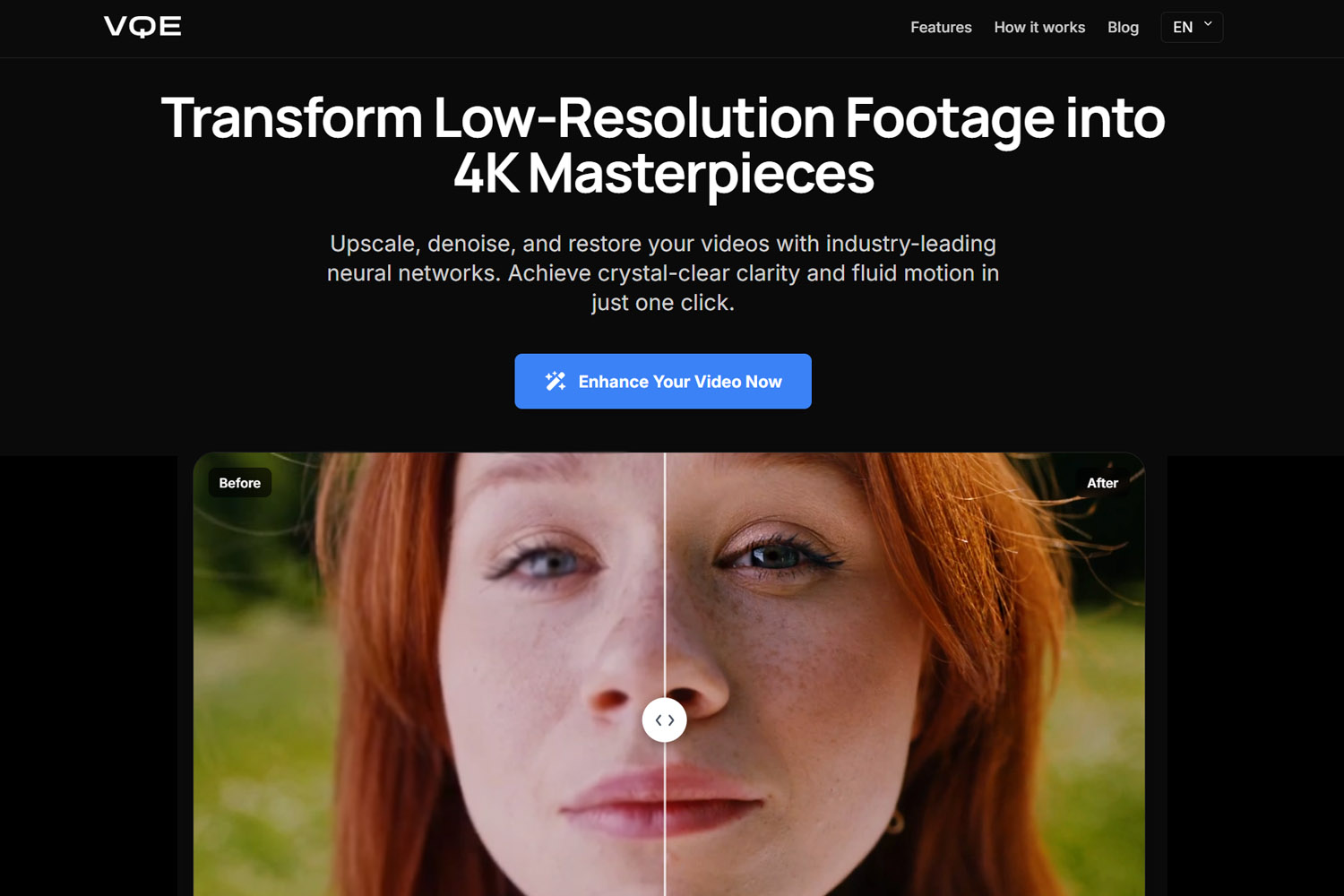
VideoQualityEnhancer.com is an AI video enhancer for improving videos that look blurry, compressed, noisy, or low-resolution.
It is useful when the content itself is worth keeping, but the file does not look clean enough to publish.
What it helps with
- blurry video
- low-resolution footage
- soft details
- compression artifacts
- noisy or grainy video
- old videos
- social media downloads
- Zoom or webinar recordings
- podcast video clips
- low-quality exports
When to use it
Use it when a video is usable but looks visibly weak.
For example:
- a webinar replay looks too compressed
- a podcast clip looks soft after cropping
- an old video needs to be reused
- a phone recording looks noisy
- a social media video was downloaded in poor quality
- a product demo looks less sharp than expected
The main value is not making bad footage perfect. It is improving borderline footage so it looks cleaner, sharper, and more acceptable in modern formats.
What it cannot fix
AI video enhancement has limits. It may not fully repair:
- extreme motion blur
- footage that is too dark to contain detail
- faces or objects that are barely visible
- heavy distortion
- very low-quality files with little usable information
If the video still has structure and detail, AI can often improve it. If the information is not there at all, results will be limited.
2. AudioEnhancer.com — Clean Poor Audio and Improve Voice Clarity
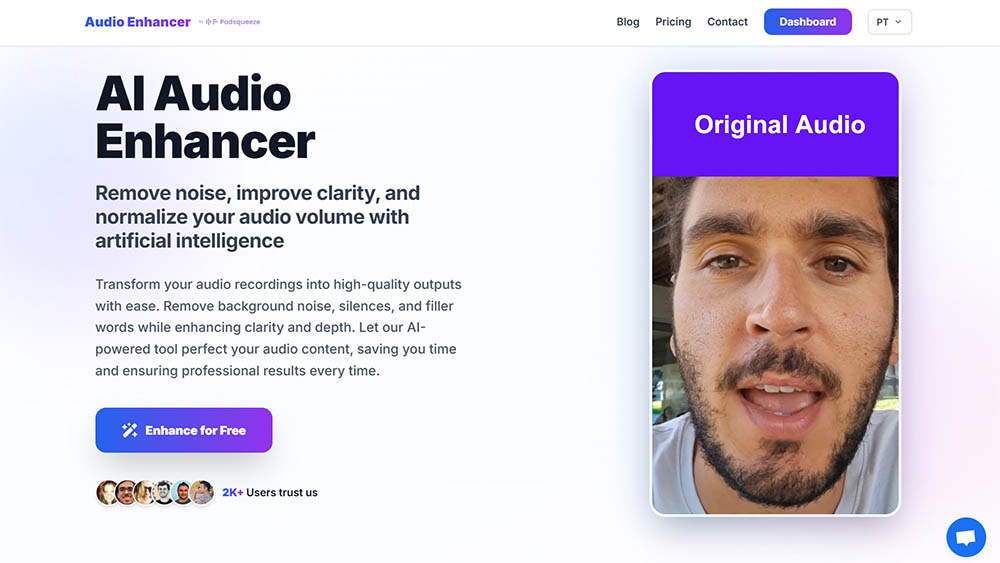
AudioEnhancer.com is an AI audio enhancer for improving spoken recordings.
It is useful when the voice is understandable, but the recording sounds noisy, uneven, echoey, or unpolished.
What it helps with
- background noise
- room echo
- inconsistent volume
- muffled speech
- quiet recordings
- harsh or unclear voice
- podcast audio
- interview recordings
- voiceovers
- webinar audio
- audio extracted from video
When to use it
Use it when the content depends on speech.
For example:
- a podcast guest recorded with a weak microphone
- a webinar has background noise
- a YouTube voiceover sounds rough
- an interview has uneven speaker levels
- a video clip is usable, but the voice sounds amateur
- a course recording has distracting room echo
Poor audio is often more damaging than poor video. If people need to concentrate to understand the voice, the content feels harder to consume.
What it cannot fix
AI audio enhancement may not fully repair:
- clipped audio
- severe distortion
- speech buried under loud noise
- completely unintelligible recordings
- multiple speakers talking over each other
- recordings with missing parts
It works best when the voice is present and understandable, but needs cleanup.
3. PhotoSharpener.com — Sharpen Blurry Images, Thumbnails, and Photos
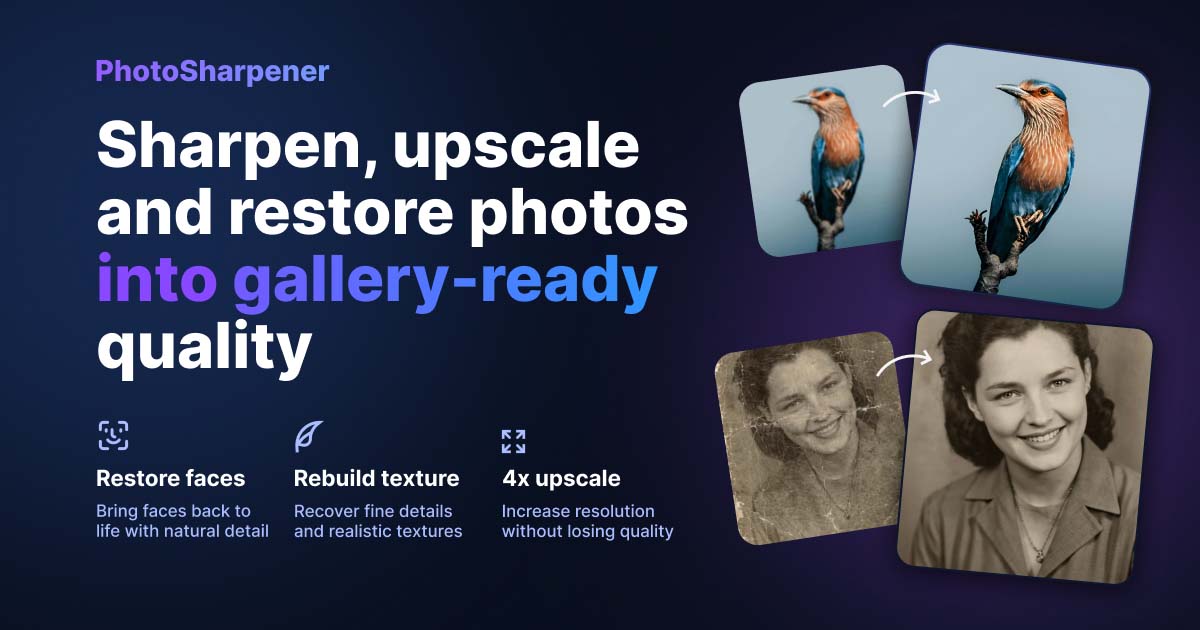
PhotoSharpener.com is an AI photo sharpener and upscaler for improving images that look blurry, soft, pixelated, or too low-resolution to use.
It is especially useful for visual assets that are good enough in concept but not good enough in quality.
What it helps with
- blurry photos
- low-resolution images
- soft thumbnails
- pixelated screenshots
- old photos
- compressed social media images
- portraits
- product photos
- blog images
- images extracted from video frames
When to use it
Use it when the image matters, but the file quality is holding it back.
For example:
- a YouTube thumbnail is based on a soft video frame
- a guest portrait is too low-resolution
- a screenshot looks blurry after resizing
- an old photo needs to be reused
- a product image lacks sharpness
- a blog image looks compressed
- a social media image was saved in poor quality
PhotoSharpener.com is useful for improving assets that affect the first impression: thumbnails, covers, previews, screenshots, and images used on pages or posts.
What it cannot fix
AI image enhancement may struggle with:
- images that are extremely tiny
- faces with almost no visible detail
- heavy motion blur
- major occlusion
- missing objects
- text that is too distorted to reconstruct accurately
It can sharpen and upscale images, but it cannot reliably recreate details that are completely absent.
AI Enhancement Works Best When the File Is Still Usable
The important question is not whether the file is low quality. It is whether the file still contains enough usable information.
AI tools can often improve:
- soft but recognizable video
- noisy but understandable speech
- blurry but identifiable photos
- compressed but intact footage
- low-resolution but structured images
They are less reliable when the source file is too damaged, too small, too distorted, or missing key information.
A good rule of thumb:
If a human can still clearly understand what the file is supposed to show or say, AI enhancement has a better chance of improving it.
Final Thoughts
AI enhancement tools are useful when content is valuable but the file quality is not good enough.
Use VideoQualityEnhancer.com for blurry, compressed, or low-resolution video. Use AudioEnhancer.com for noisy, echoey, or uneven voice recordings. Use PhotoSharpener.com for blurry photos, thumbnails, screenshots, and visual assets.
They will not fix every file, but they can often rescue media that would otherwise be discarded, re-recorded, or published with obvious quality issues.
FAQs
What is the best AI tool to fix low-quality video?
VideoQualityEnhancer.com is designed to improve low-quality video by enhancing clarity, upscaling resolution, reducing noise, and sharpening soft footage. It is useful for blurry videos, compressed clips, old footage, webinar recordings, podcast clips, and low-quality exports.
Can AI fix blurry videos?
AI can often improve blurry videos if the original file still contains enough detail. It can sharpen footage, upscale resolution, and reduce compression artifacts. It may not fully fix extreme motion blur or footage where important details are not visible.
What is the best AI tool to clean poor audio?
AudioEnhancer.com is useful for cleaning spoken audio. It can help reduce background noise, improve voice clarity, normalize volume, and make podcasts, interviews, voiceovers, webinars, and videos sound more polished.
Can AI remove background noise from audio?
Yes. AI audio tools can reduce many types of background noise, including hum, hiss, room noise, and some environmental sounds. Results depend on how loud the noise is and how much it overlaps with the speaker’s voice.
What is the best AI tool to sharpen blurry images?
PhotoSharpener.com is designed to sharpen blurry images, upscale photos, restore detail, and improve low-resolution visual assets such as thumbnails, screenshots, portraits, product photos, and old images.
Can AI fix low-quality images?
AI can often improve low-quality images by sharpening detail, upscaling resolution, and reducing artifacts. It cannot perfectly recover information that is completely missing from the original file.
Can AI restore old videos, audio, and photos?
AI can improve old media when the source still contains usable information. It can enhance old video, clean old recordings, and sharpen old photos, but results depend heavily on the condition of the original file.