Transform Low-Resolution Footage into 4K Masterpieces
Upscale, denoise, and restore your videos with industry-leading neural networks. Achieve crystal-clear clarity and fluid motion in just one click.
Pro-Grade Restoration for Every Frame
Intelligent Upscaling (up to 600%)
Breathe new life into low-resolution content. Our AI reconstructs missing pixels to deliver stunning 4K and 8K outputs without the "waxy" look. Generative neural synthesis creates detail where it didn't exist, not just stretching pixels.
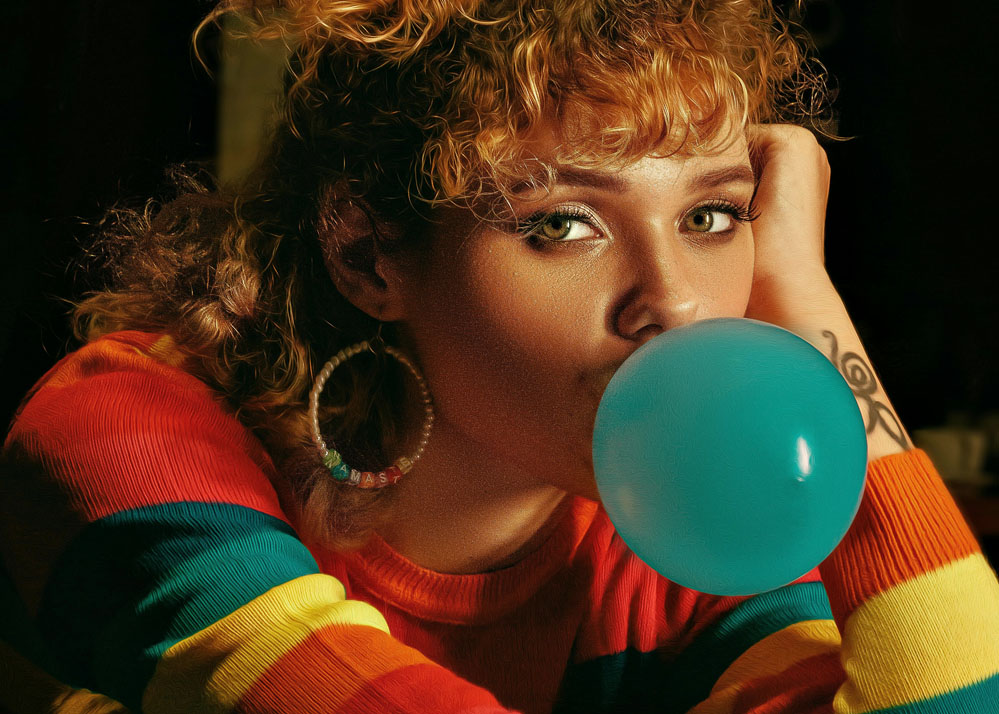
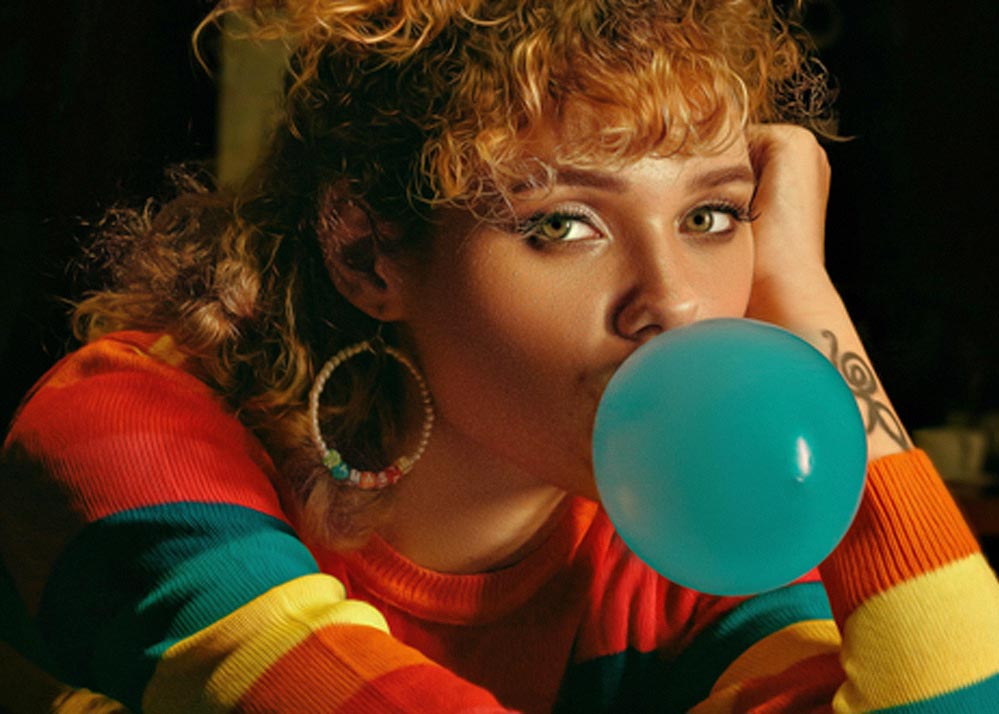
Face Recovery & Refinement
Specialized neural models focus on human features, bringing back sharp eyes and realistic skin in blurry portraits. Temporal consistency ensures flicker-free, stable video without frame-to-frame jitter.


Advanced AI Denoising
Eliminate ISO grain and sensor noise while preserving fine textures and skin details. Our neural models maintain natural textures, avoiding the plastic AI look that plagues other enhancers.
Frame Interpolation & Slow-Mo
Boost your frame rate for buttery-smooth playback or create cinematic slow-motion from standard footage. Advanced temporal processing maintains natural motion without artifacts.
Who is Video Quality Enhancer for?
Content Creators
Stand out on YouTube and Social Media with superior visual fidelity. Transform low-res uploads into professional-grade content that captures attention.
Archivists
Restore precious family memories and old films to modern standards. Bring back clarity and detail to decades-old footage with neural reconstruction.
Professional Editors
Save hours of manual cleanup with AI-automated detail recovery. Achieve perceptual quality improvements including enhanced contrast and color depth, with SDR to HDR-like enhancements.
How it Works
Upload your video
Upload your video (MP4, MOV, and more). No plugins or software installation required.
AI engines analyze and reconstruct
Our AI engines analyze and reconstruct every frame using generative upscaling and neural synthesis.
Preview and Download
Preview your enhanced masterpiece and download at full quality. See the difference before committing.
Frequently Asked Questions
What formats do you support?
We support MP4, MOV, AVI, and most common video formats. Upload directly from your device or paste a link.
How long does the enhancement take?
Processing time depends on video length and resolution. Most videos are ready in minutes. You'll receive a notification when your enhanced video is complete.
Is my data secure?
Absolutely. We use enterprise-grade encryption and never share your videos. All files are automatically deleted after processing unless you choose to save them. Your privacy and data security are our top priorities.
Does the AI create artifacts or a "waxy" look?
No. Our neural networks are specifically trained to preserve natural textures and avoid AI artifacts. We use generative reconstruction rather than simple stretching, ensuring realistic detail recovery without the plastic appearance common in other tools.
Will my video have flicker or frame instability?
No. Our temporal consistency algorithms ensure smooth, flicker-free playback. Every frame is processed with awareness of surrounding frames, maintaining stability throughout the video.
Can I enhance old family videos?
Yes! Our specialized models excel at restoring old footage. We can upscale low-resolution family videos, reduce noise from old recordings, and bring back detail that seemed lost forever.